
Introducing the LWS Administration Panel (LWS Control Panel)
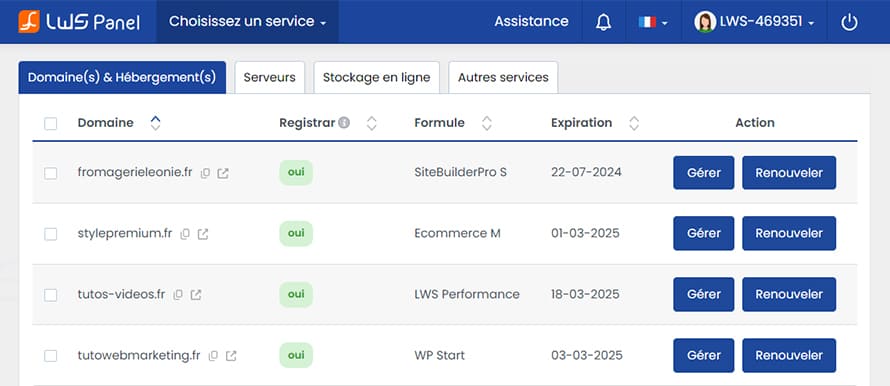
Every LWS customer has access to a simple, user-friendly administration panel packed with features.
Once your order is completed, you will automatically receive an LWS ID (e.g., LWS-123456), allowing you to:
The LWS Panel client area is available in French and English.
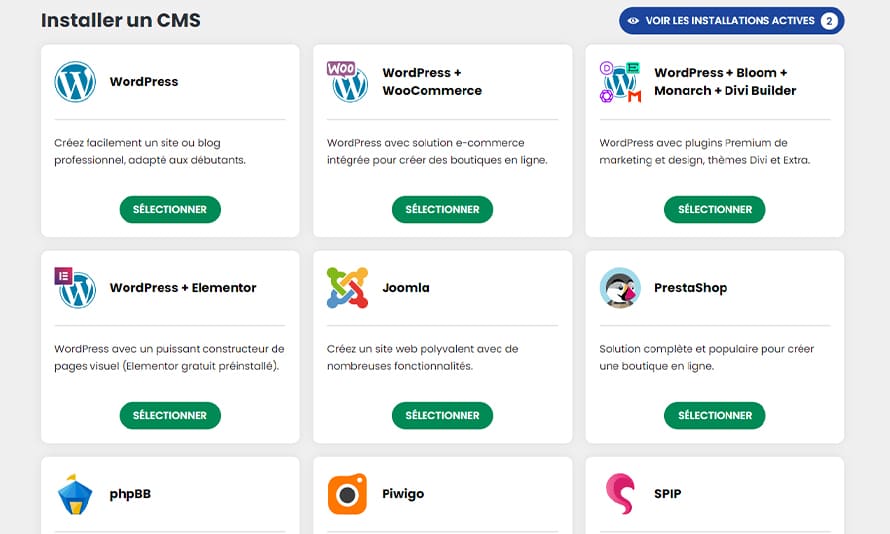
Install Your Favorite Applications in 1 Click
The LWS auto-installer is a semi-automatic installer for PHP-based web applications. Use it to automatically install various website builders, forums, blogs, and online stores on your hosting plan — no PHP knowledge required, we handle it all for you. This auto-installer is included with your hosting plan! Dozens of software and CMS are pre-installed.
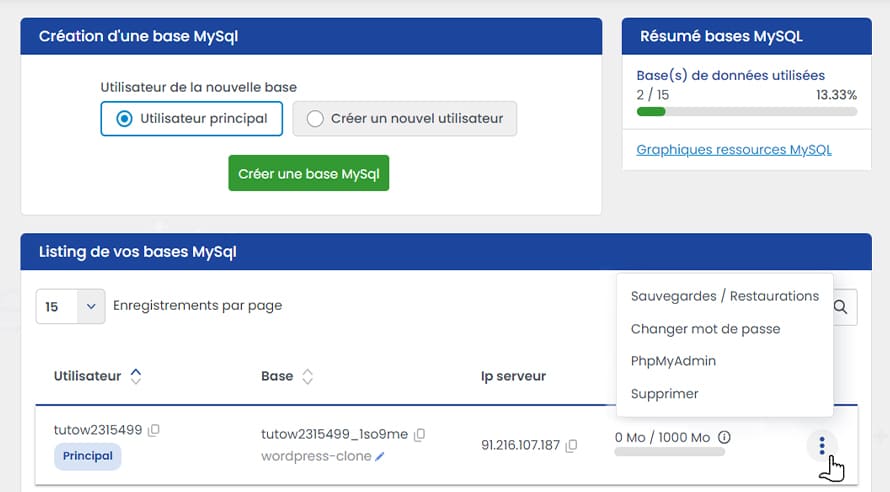
Manage Your MySQL Databases
Create as many databases as allowed by your LWS hosting plan. Easily back up and restore your databases for free, change user passwords, add or delete databases, and monitor your quotas — all from one page.
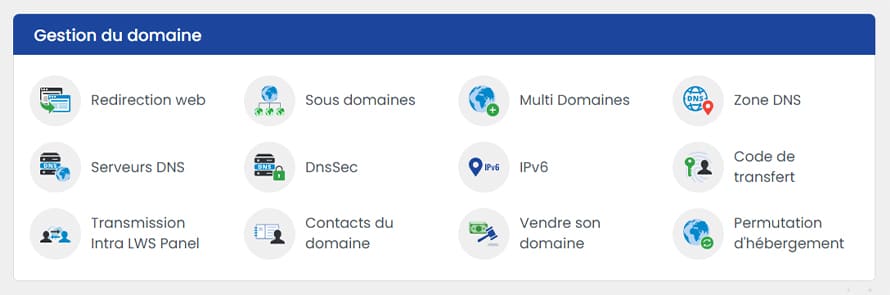
Domain Name Configuration
You have full control and autonomy in managing your domain names. You can:
Email Configuration
Each LWS hosting plan includes at least 2 customizable email addresses (compatible with iPhone and Android) with 2 GB of storage per account and an integrated anti-spam filter. Your email accounts are compatible with popular software such as Outlook, Thunderbird, Windows Live Mail, and more.
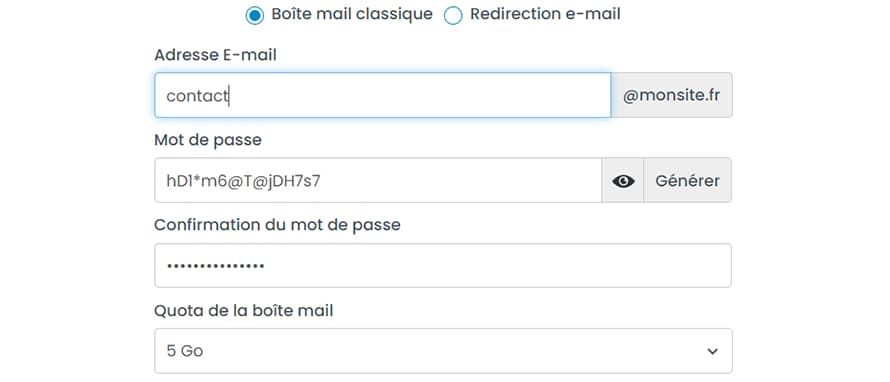
Real-Time Service Status
With the LWS Panel 3.1 dashboard, monitor the status of your services and resource usage at a glance. Instantly see your remaining disk space, the number of email accounts in use, messages stored on your server, and more.
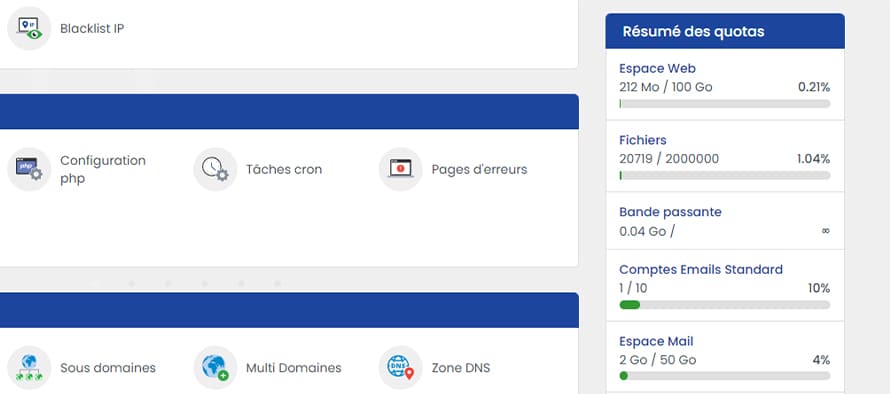
Virtual Dedicated Servers, Cloud Drive, Online Backup, E-commerce
The administration space for virtual dedicated servers, e-commerce hosting, and backup solutions is full of features. It allows you to view all quotas related to your server to prevent system overload.
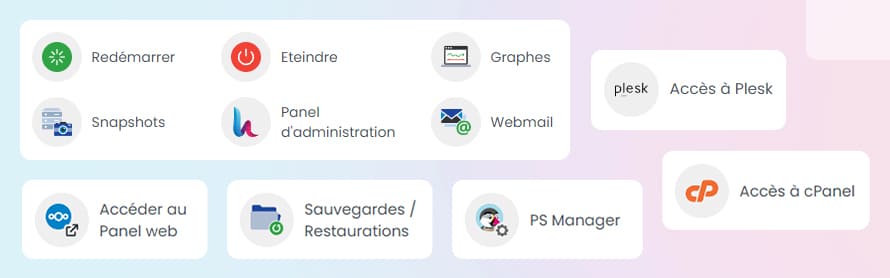
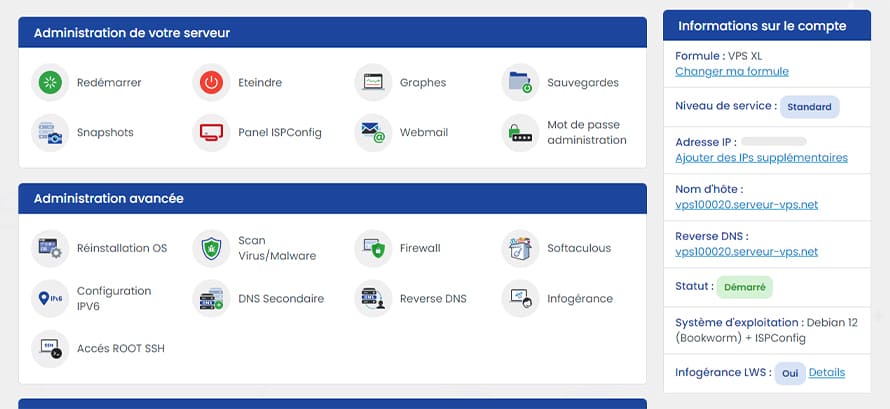
Dedicated Server Administration
The LWS Control Panel allows you to manage all your services. Easily restart, shut down, and configure your virtual dedicated server: create a secondary DNS server, enable reverse DNS, install an e-commerce store, open and close ports, enable or disable SSH access, and manage auto-renewal of your plan.
Contact Support
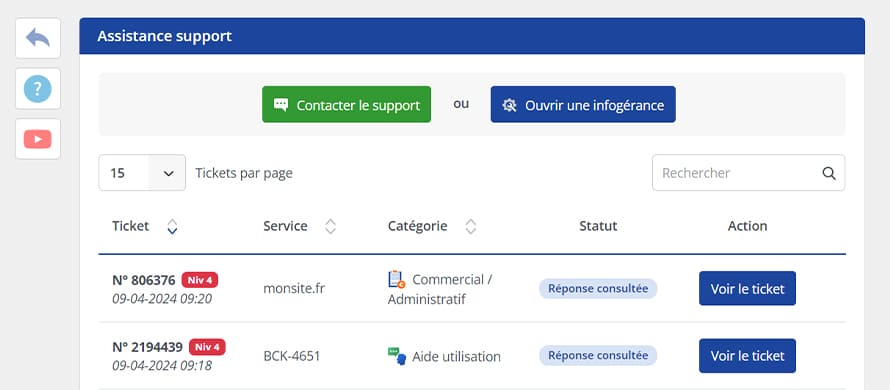
You can contact us at any time for free through the support page integrated into your panel. To ensure proper tracking of your support tickets, your exchange history is available. Using the Service Status page, you can also check whether the services linked to your account are fully operational.
Don’t Forget Your Bonuses
As an LWS customer, you benefit from exclusive deals with the following partners: